
Master Sound Design
Practical courses built around real production scenarios. Learn synthesis, sampling, mixing, and mastering through projects that mirror industry workflows.
View Full ProgramBrowse by Focus Area
Each course targets a specific production skill with exercises designed for immediate application.
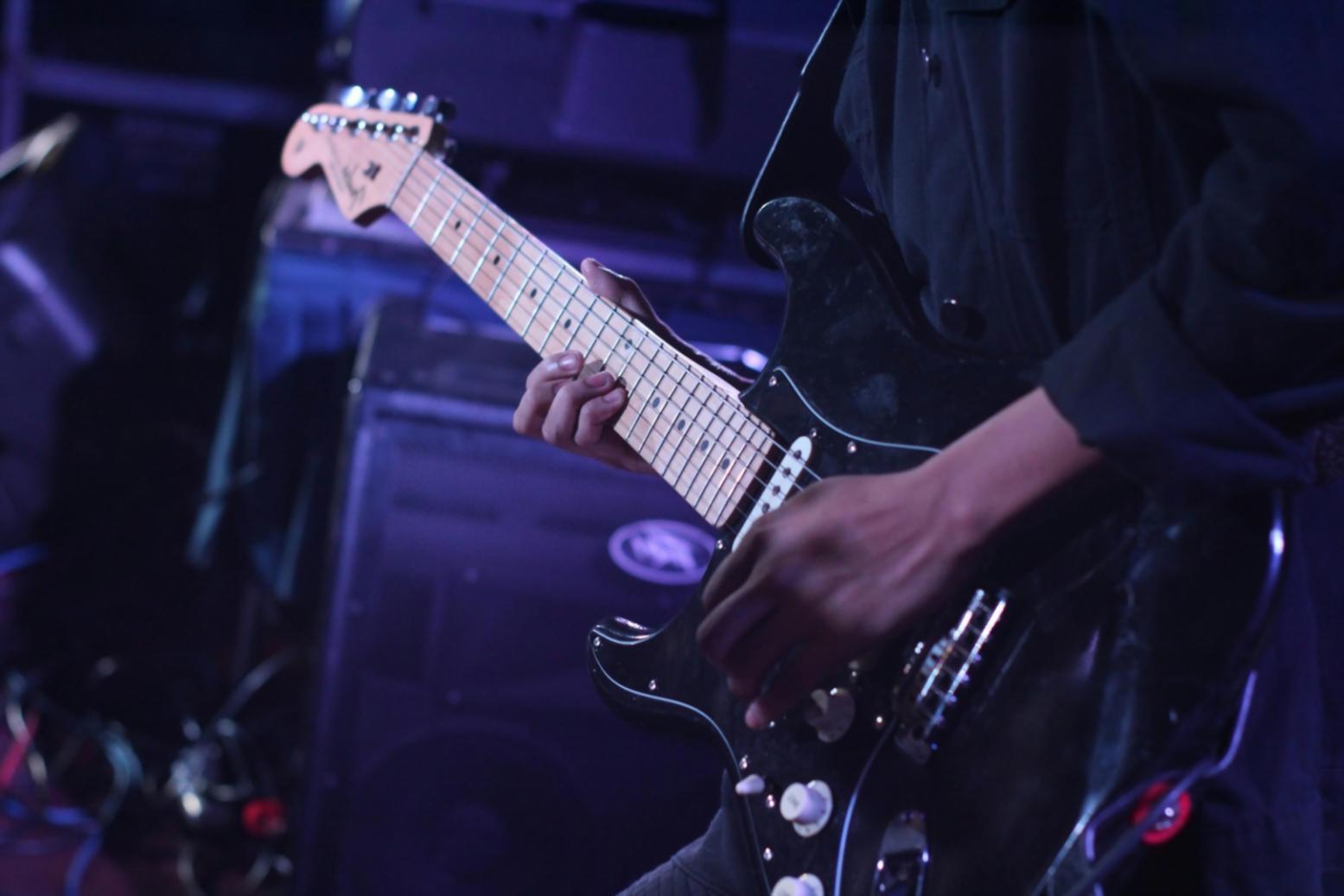
Synthesis Foundations
Oscillators, filters, envelopes, and modulation routing explained through patch recreation exercises.
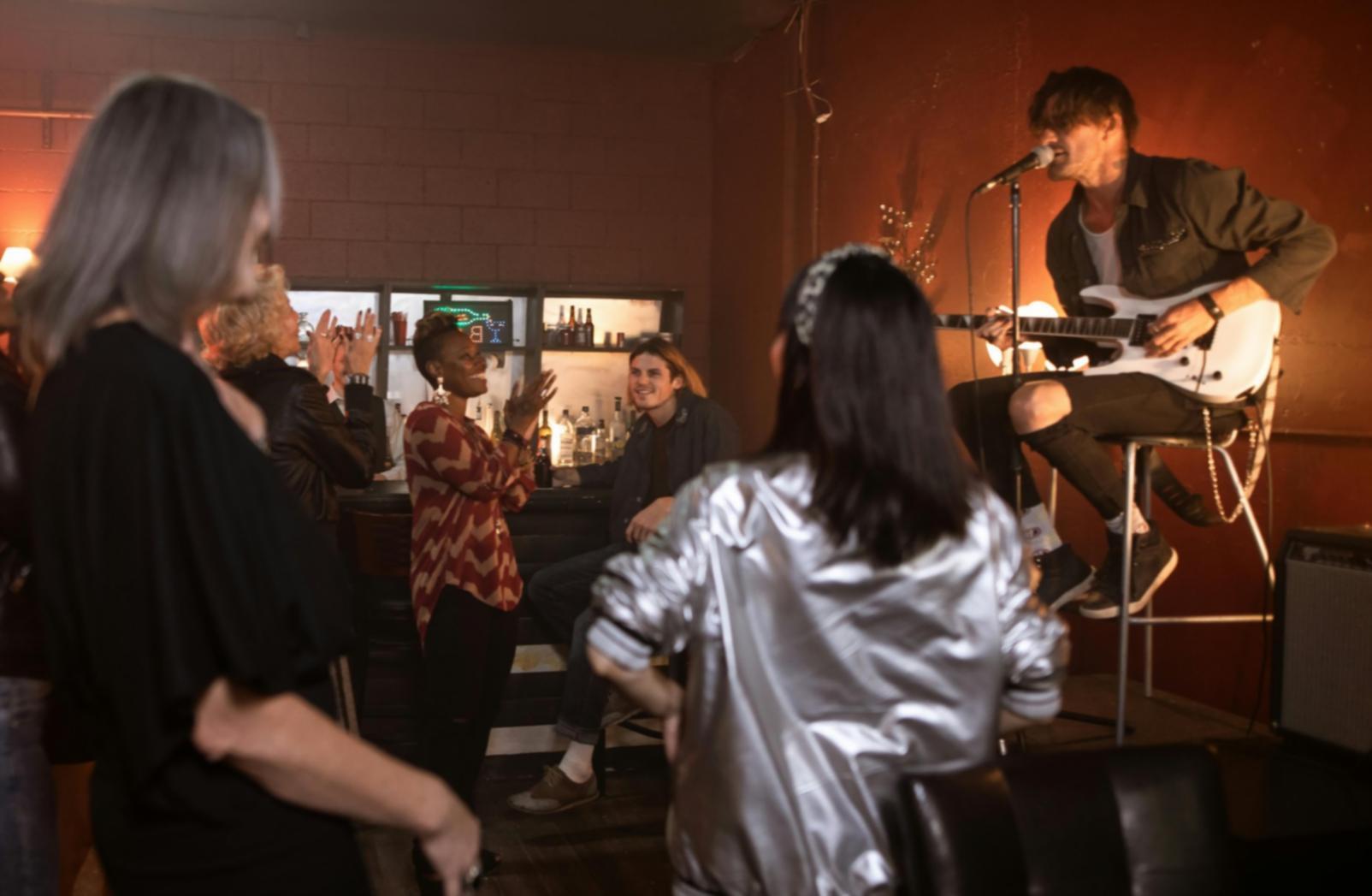
Sample Manipulation
Warping, slicing, layering, and effects chains for transforming raw audio into usable assets.

Spatial Audio Design
Panning, reverb placement, stereo imaging techniques for three-dimensional soundscapes.
Mastering Essentials
EQ balance, compression settings, limiting strategies for cohesive and competitive final mixes.
Top Skills You'll Develop
Each skill builds on foundational audio principles with direct studio application.
Frequency Management
Carve space for every element through surgical EQ and dynamic filtering without creating phase issues.
Modulation Routing
Connect LFOs, envelopes, and sequencers to parameters for evolving textures and movement.
Dynamic Control
Shape transients and sustain with compression, expansion, and gating for clarity and punch.
Effect Layering
Combine delay, saturation, chorus, and filtering in series or parallel for complex signal chains.
Arrangement Structure
Build tension and release through section transitions, automation, and strategic element introduction.
What the Process Includes
- Weekly project briefs with specific technical constraints and creative objectives
- Detailed feedback on submitted work with suggestions for revision and refinement
- Access to sample libraries, preset collections, and reference tracks for comparison
- Live troubleshooting sessions addressing common production obstacles and workflow inefficiencies
- Peer review system for collaborative learning and perspective exchange
- Archive of recorded lectures, demonstrations, and annotated project files
- Direct communication channel for technical questions and clarification requests
- Final portfolio project integrating all learned techniques into cohesive production
How We Approach Teaching
Learning happens through repeated practice with immediate application. Each module introduces one concept, demonstrates its use in context, then assigns exercises requiring independent problem-solving.
Feedback addresses both technical execution and creative decision-making. You'll understand not just what works, but why it works in specific musical contexts.
The structure allows self-pacing while maintaining progressive skill development. Foundational techniques get reinforced across multiple projects before advanced topics appear.
Is this right for your skill level?
These courses assume basic familiarity with digital audio workstations and recording concepts. You should understand track routing, MIDI input, and how to load plugins.
No prior sound design experience required, but comfort navigating software interfaces helps. If terms like "oscillator" or "filter cutoff" are completely unfamiliar, start with our introductory workshop first.
What happens after enrollment?
You receive login credentials within 24 hours and immediate access to the first module. Materials unlock progressively as you complete assignments, maintaining structured progression.
Live sessions occur weekly via video conference with recording available afterward. Submission deadlines are firm but accommodate reasonable extensions when communicated in advance.
Software Requirements
Tools you'll need installed before the first session
Any major DAW works—Ableton Live, Logic Pro, FL Studio, Reaper, or similar. We demonstrate techniques across platforms, but you'll follow along in your chosen environment.
Stock plugins suffice for foundational modules. Advanced courses reference specific third-party tools, but alternatives are always discussed. A MIDI controller improves workflow but isn't mandatory.
Course Duration
Time commitment and scheduling expectations
Most courses run 8-12 weeks with 4-6 hours of weekly engagement. This includes watching demonstrations, completing assignments, and participating in feedback sessions.
Intensive workshops condense into 4 weeks but require 10-12 hours weekly. Self-paced options extend access to 6 months, allowing flexible scheduling around other commitments.
Certification Process
How completion verification works
Certificates require completing 80% of assignments and submitting a final project demonstrating competency across course topics. Projects get evaluated on technical execution, creative application, and production quality.
Digital certificates include course title, completion date, and verification code. They're shareable via LinkedIn or portfolio sites. No formal accreditation—this documents skills acquired, not academic credit.
Ready to Start Learning?
Get information about upcoming course start dates and enrollment procedures.